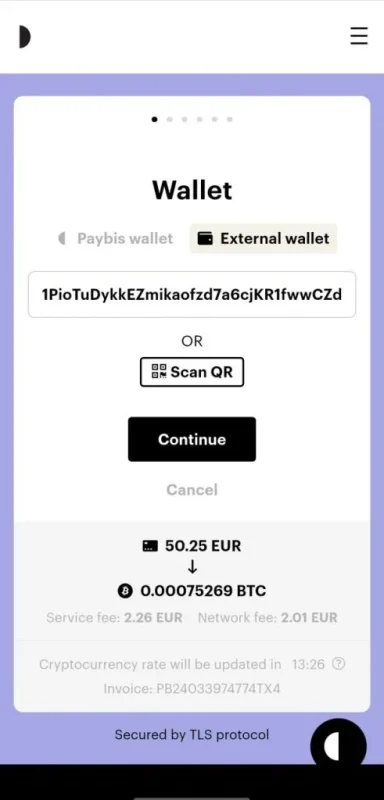
PayBis offers a reliable method for purchasing bitcoin directly, eliminating the need for a cryptocurrency wallet. The process involves acquiring bitcoin directly to the address specified at checkout, allowing users to avoid the complexities associated with cryptocurrency management.
For unverified users, the platform imposes a limit of 300 euros per order. However, verified users can transact significantly larger amounts, making account verification highly advisable. PayBis is a secure platform recognized and utilized globally.
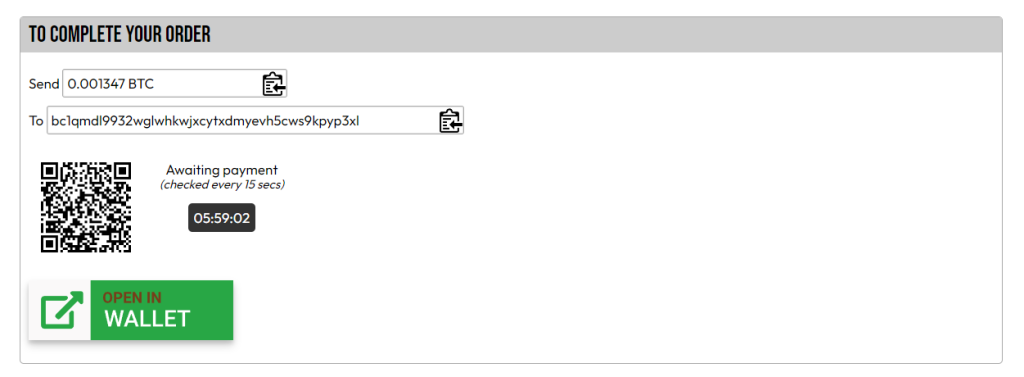
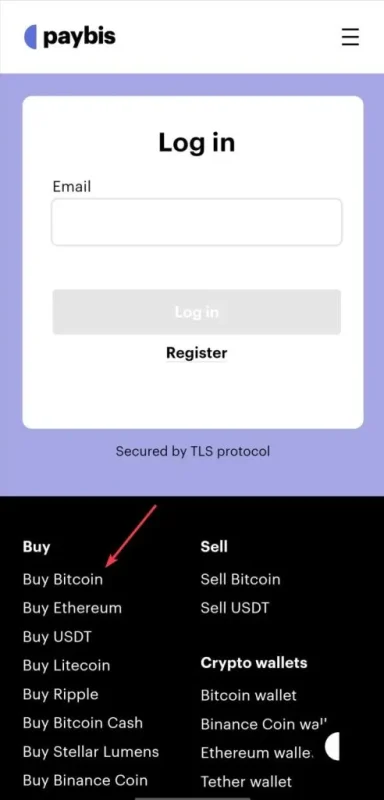
1. When you wish to place an order in our store, please choose one of the available cryptocurrencies. Subsequently, payment instructions will be displayed: PLEASE DO NOT CLOSE THIS WINDOW. Open a new tab
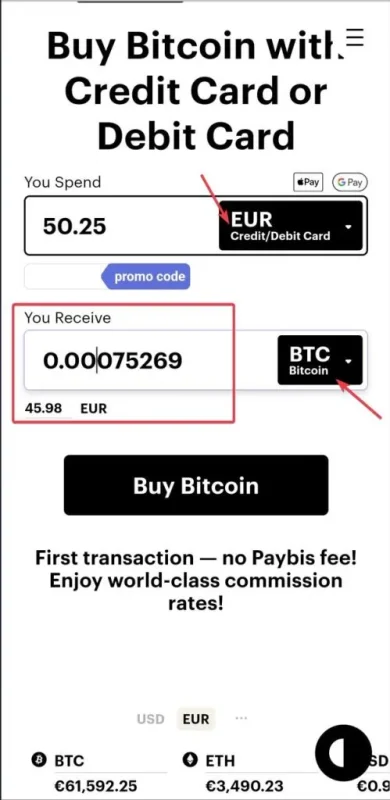
4. If you are using the desktop version on Paybis.com, you will need to choose your preferred payment method for the cryptocurrency, input the required amount (as indicated in step #1, which is 0.001347 in this instance), and select the cryptocurrency you wish to acquire. Then, click on Buy Bitcoin.
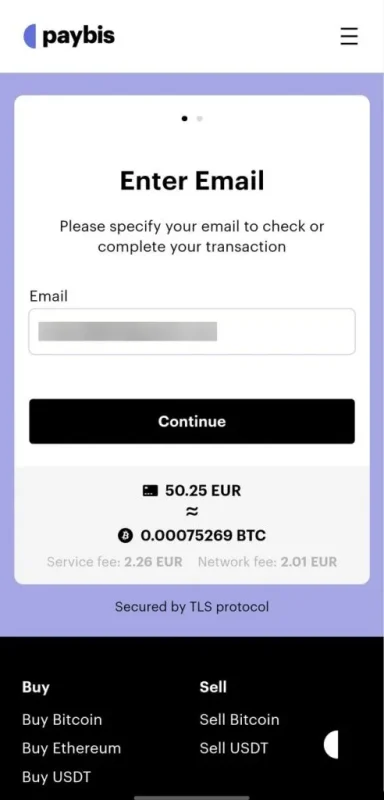
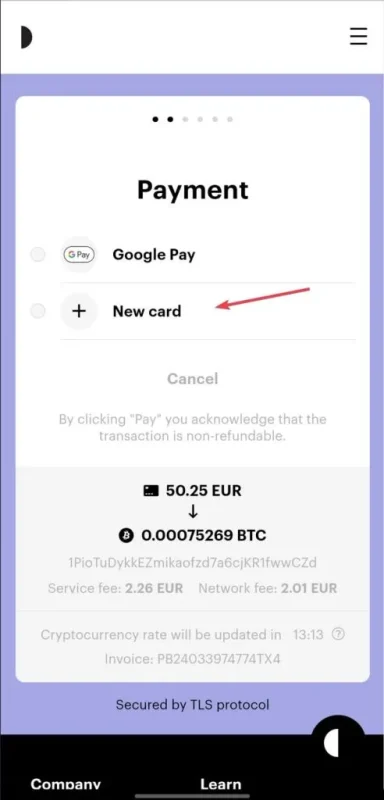
7. Add a new Credit/Debit card for this transaction and click on Pay. PLEASE WAIT UNTIL YOUR TRANSACTION IS CONFIRMED. IF YOU HAVE ANY QUESTIONS, CONTACT SUPPORT AT: [email protected]
You may refer to this video for guidance. However, when entering the destination address and amount, ensure you use the details displayed on the checkout page.
You may refer to this video for guidance. However, when entering the destination address and amount, ensure you use the details displayed on the checkout page.